You sit down to make a beat, load a piano, and play the same four chords again. They work, but the track already feels too familiar.
A chord progression plugin can help you hear other possibilities. Some suggest chords that fit together. Others let you play a whole chord with one key, change the way its notes are spaced, or turn held chords into rhythmic patterns.
These six chord progression plugins cover different ways of writing. The right choice depends on whether you want help choosing the notes, performing them, or making a simple progression feel more interesting.
What Does a Chord Progression Plugin Do?
A chord is several notes played together. A progression is the order those chords follow. Even a short repeating progression can provide the foundation for a whole song.
Many chord plugins work with MIDI: instructions that tell an instrument which notes to play and when. MIDI itself is not recorded sound. You can use the same notes with a piano, a synth, or a string instrument.
Some tools include sounds for previewing your ideas. Others need to send their MIDI to a separate instrument. That connection is called MIDI routing, and the setup depends on your music software.
1. Scaler 3: Explore Chords and Hear Where They Can Go
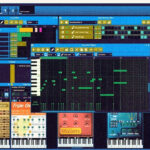
Scaler 3 helps you build progressions, explore related chords, and develop musical parts around them. It includes chord sets and suggestions, along with tools for arranging and editing notes.
It is worth considering if you can hear when something works but do not always know what to try next. Start with a chord you like, audition a few possible changes, and listen for the one that supports your melody.
Do not feel you need to use every suggestion. A surprising chord can be effective once near the end of a chorus. Putting a new twist on every change can make a simple song harder to follow.
2. Captain Chords: Work on the Progression and Its Rhythm
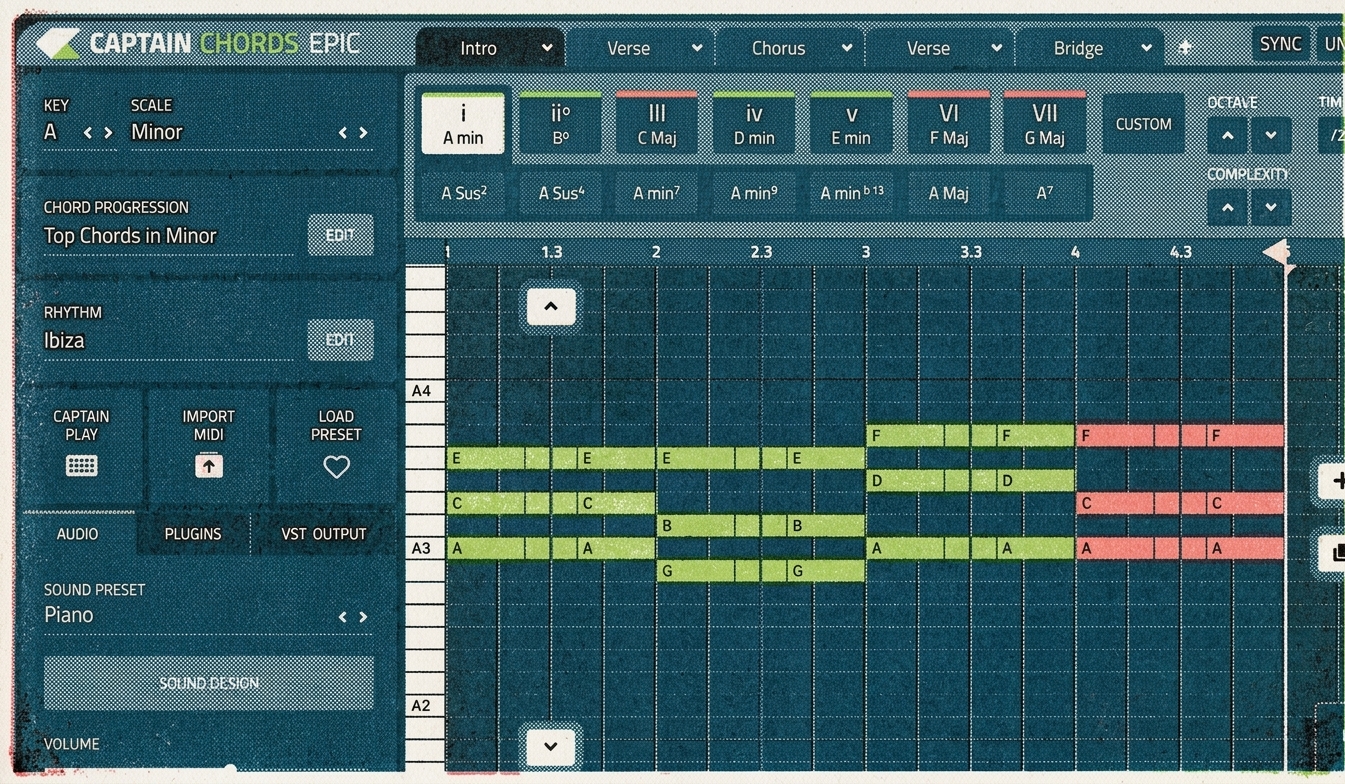
Captain Chords, part of Captain Plugins, gives you tools for choosing chords and applying rhythms to them. This is useful when the harmony is close, but the way it is played feels flat.
Four chords held for equal lengths can sound very different when one arrives early, another is shortened, and the last is left hanging. That change in timing may do more for the track than replacing the chords.
Try building a progression while a simple drum pattern plays. Listen to where the chord changes meet the kick and snare. You are writing a part that needs to sit in a song, not just a sequence that sounds nice on its own.
3. Audiomodern Chordjam: Add Variation to the Performance
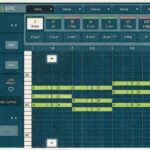
Chordjam combines chord creation with sequencing and controlled variation. You can work with timing, note placement, and velocity, which describes how strongly a MIDI note is played.
That matters because a chord does not have to land with every note at exactly the same moment or strength. Small differences can change the feel of a piano part or a sustained synth.
Start with narrow variation ranges. Listen for changes that improve the groove, then keep the useful result. Random settings are a way to discover ideas; you still decide which ones belong in the song.
4. Xfer Cthulhu: Turn Chords into Moving Patterns
Cthulhu combines a chord player with an arpeggiator. An arpeggiator plays the notes of a chord in a sequence instead of sounding them all at once.
This makes it useful for writing moving synth parts from fairly simple harmony. You can trigger chords with single notes, then use the pattern controls to explore different rhythms and note orders.
Try a short, soft synth sound first. It makes the rhythm easier to hear than a large pad with a long release. Once the pattern feels right, change the instrument and see which sound fits your track.
5. Ripchord: A Free Way to Play Chords with One Finger
Ripchord is a free MIDI plugin for creating, performing, and reworking chord progressions. It is a useful option if you want to try chord-based MIDI tools without buying a larger composition package.
The appeal is being able to perform chord changes from simple triggers. That leaves you more attention for the rhythm: when the chord starts, how long you hold it, and where you leave silence.
Check the available builds and setup instructions for your computer and DAW. Since it is a MIDI tool, you also need an instrument receiving its notes. If you hear nothing, check that connection before changing the preset.
6. CodeFN42 Chordz: Build Your Own Chord Shapes
Chordz is a free Windows MIDI plugin that assigns chords to individual notes. It includes chord suggestions and lets you customize the notes within each chord.
This is useful for experimenting with voicings. A voicing is the way a chord’s notes are arranged from low to high. The same chord can sound tight and heavy with its notes close together, or more open when they are spread out.
Try moving one note up an octave while keeping the others in place. Listen to how that changes the top line across your progression. Chordz requires a compatible Windows VST2 host, so check that before downloading.
How to Make a Generated Progression Feel Like Your Own
Once you find a progression you like, spend a few minutes changing the performance before searching for more chords.
- Change the rhythm. Shorten one chord or leave a gap before the next.
- Move the top note. The highest notes can form a small melody of their own.
- Try a different bass note. Listen to how it changes the weight and direction of the chord.
- Remove notes. A thinner chord may leave more room for the singer.
- Change the sound. A progression that feels ordinary on piano might work beautifully on a muted synth.
Make one change at a time and keep the original version nearby. You do not need to make every chord more complicated. Sometimes holding the first chord longer gives the next change more meaning.
Choosing a Plugin You Will Actually Use
Look at Scaler if you want help exploring harmony, Captain Chords if you want to build progressions with rhythmic movement, and Chordjam if variation in the performance interests you. Cthulhu is suited to turning chords into patterns, while Ripchord and Chordz offer free ways to explore chord triggering.
Before buying, check that you can get the notes into your preferred instrument and edit them comfortably. The useful result is a musical part you want to keep working on.