In podcasting, sound quality is key. As a podcaster, I’ve looked at many options to find the best audio interface. This guide helps both new and experienced podcasters improve their sound.
I’ve picked the top audio interfaces for their sound quality and ease of use. These choices will help you choose the right gear for your podcast. Whether you need something small for mobile use or big for studio work, I’ve got you covered.
Key Takeaways
- Identifying the best audio interface is essential for superior sound quality.
- Focusrite Scarlett 4i4 is highly rated for its exceptional pre-amps.
- Universal Audio Apollo Solo is recommended for its portability and sound quality.
- SSL 2+ combines versatility with quality construction.
- Beginners can benefit from user-friendly models like Audient ID4.
Introduction to Podcasting Hardware
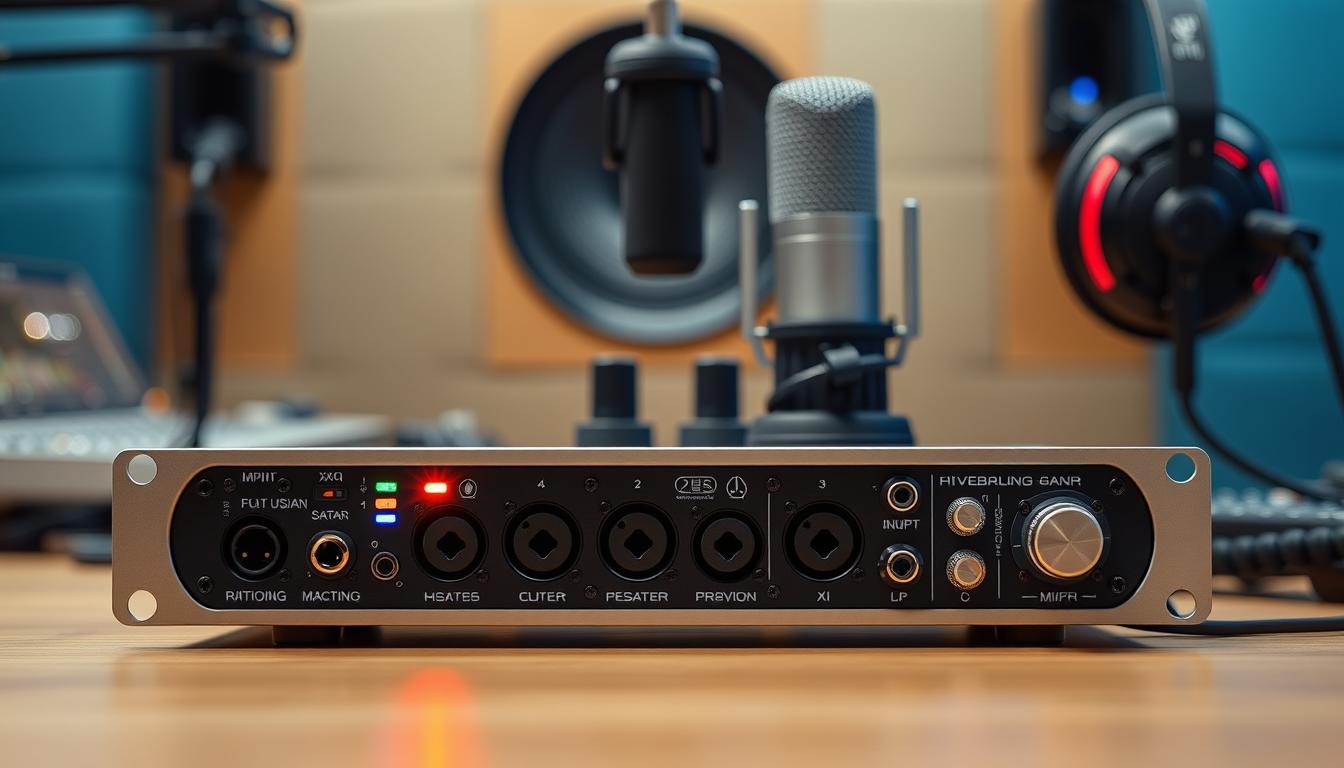
Podcasting hardware is key to making great audio content. The right tools can make your podcast sound professional. At the center is the audio interface, which turns sound into digital signals for your computer.
For beginners, USB microphones like the Blue Yeti and Audio-Technica AT2020USB are great. They’re easy to use and sound good. But, pros prefer XLR microphones, like the Shure SM7B, for better sound.
Audio interfaces like the Focusrite Scarlett 2i2 and Presonus AudioBox USB are essential. They help XLR microphones sound their best. Mixers, like the Behringer Xenyx series, make recording smooth by handling multiple sources.
Headphones are also vital. Closed-back headphones, like the Audio-Technica ATH-M50x and Sony MDR-7506, block out distractions. Open-back models are best for mixing, as they reproduce sound naturally. Knowing how these parts work together can greatly improve your podcast’s sound.
Why You Should Trust My Recommendations
I have over 30 years of experience in audio devices and sound engineering. My journey started in the early 1980s, recording music semi-professionally. I co-engineered and mixed a jazz album called “Take2,” which reached number three on the Roots Music Report jazz radio play chart.
Now, I co-host and co-engineer a podcast about audio. This gives me deep insights into the tools needed for podcasting. I focus on two-channel USB audio interfaces, chosen for their complexity and usability.
I test these interfaces with various microphones and instruments, like the Electro-Voice RE20 and Shure SM57. I check how easy they are to use and adjust. My podcasting partners and musician staff writers also share their experiences with me.
Lab tests show the audio quality of each interface. I look for features that are best for podcasting, even if they’re not the highest quality. This way, I make sure my recommendations are the best for professional podcasting.
What to Look for in a Podcasting Audio Interface
When picking the best audio interface for podcasting, it’s important to know what matters. A good interface should support two-channel USB connections. This lets you record complex sounds and use more than one microphone at a time.
Here are some key things to look for:
- Build Quality: A strong build means your interface can withstand travel and different recording spots.
- Ease of Use: An easy-to-use interface saves time and makes recording smoother.
- Sound Quality: High-quality audio is crucial for keeping listeners engaged. It should sound clear and balanced.
- Included Software: Some interfaces come with software that can make your workflow easier and boost creativity.
Also, consider these extra features:
- Phantom Power: This is key for powering condenser microphones, which improve audio quality.
- MIDI Connectivity: It’s useful for adding music to your podcasts easily.
- Loopback Recording: This feature lets you record live audio or add sound clips during recording.
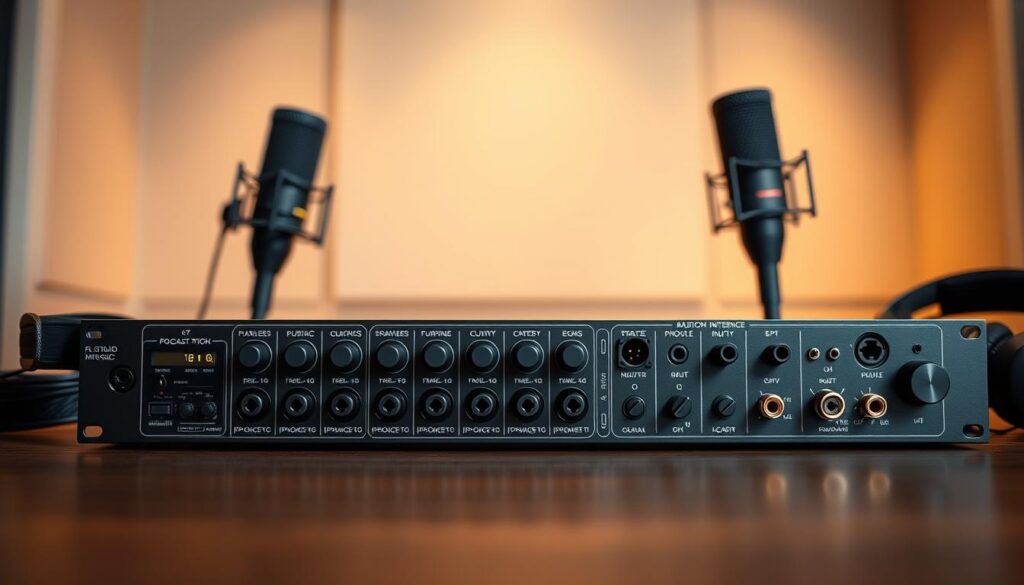
Choosing the right podcasting audio interface is crucial for top-notch sound. With so many options, focus on these key features. This ensures you pick an interface that meets your needs and enhances your podcasting quality.
My Top Picks for the Best Audio Interface for Podcasting
Choosing the right audio interface is key to a great podcast. I’ve picked options that fit various needs and budgets. They all ensure top-notch audio quality for podcasting.
Focusrite Vocaster Two: An Ideal Choice for Podcasters
The Focusrite Vocaster Two is a top pick for podcasters. It’s easy to use and sounds amazing. It has built-in effects and high-quality preamps for clear vocals.
Its USB-C connection makes setup a breeze. It’s perfect for anyone wanting to improve their podcasting gear.
Runner-Up: Universal Audio Volt 2
The Universal Audio Volt 2 is a close second. It’s small but packs a big punch in sound quality. It has vintage mic preamp modes for that classic sound.
It’s great for podcasters who need something portable but still want great sound.
Upgrade Pick: Universal Audio Volt 276
If you’re looking to step up your audio game, the Universal Audio Volt 276 is the way to go. It offers dual preamps and integrated effects for professional sound.
It focuses on audio fidelity and versatility. The Volt 276 takes your podcasting equipment to new levels.
Budget-Friendly Option: Audient Evo 4
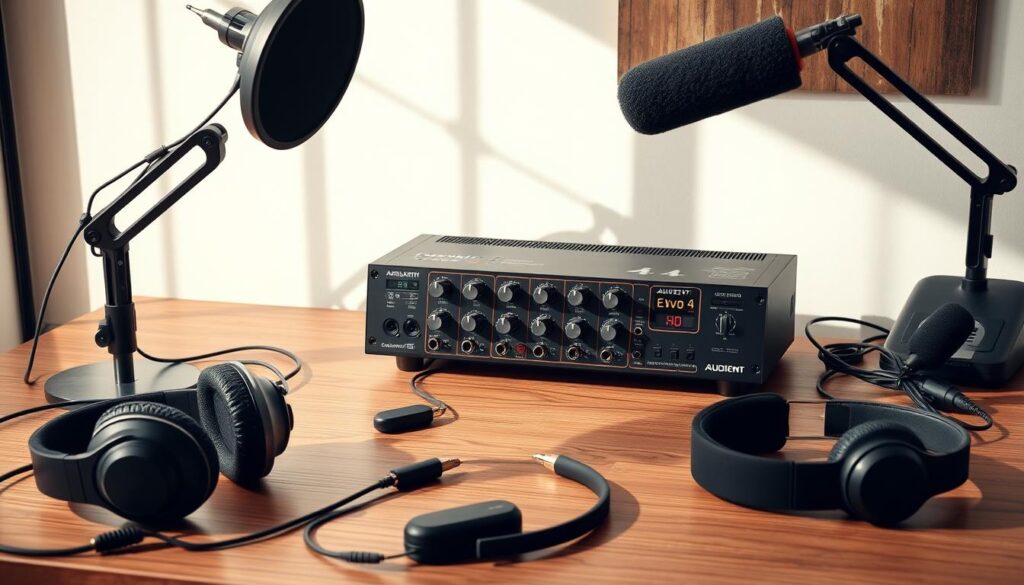
The Audient Evo 4 is a top pick for those on a budget. It offers great sound quality at a price of around $130. It’s perfect for new podcasters and audio fans. It has two XLR/line combo inputs for easy connection of microphones.
Users often talk about the Audient Evo 4. It was mentioned five times as a top choice. People like it more than the Motu M2 and Scarlett 2i2. They praise its clear sound, making it a standout in the entry-level market.
The Audient Evo 4 is known for its design. It uses USB-C and has a dial for volume, gain, and mix levels. This makes it easy to use for beginners while still being high-quality.
- Support for phantom power, accommodating condenser microphones.
- 24-bit/96kHz audio quality, ensuring crisp recordings.
- LED indicators that, while useful, can be hard to read in certain lighting conditions.
Despite some issues like sound interference and clicking sounds, the Audient Evo 4 is a top choice. It’s a great option for those starting in audio production. Its performance, price, and features make it the best audio interface for podcasting.
Other Good USB Audio Interfaces for Podcasting
There are many other great USB audio interfaces for podcasting beyond my top picks and budget-friendly options. These interfaces have unique features and advantages. They cater to different recording needs, making them excellent alternatives.
Focusrite Scarlett 2i2 4th Gen
The Focusrite Scarlett 2i2 4th Gen is known for its easy-to-use design and top-notch audio quality. It costs $199, making it a great choice for podcasters and musicians. Its preamps offer 56dB of gain, ensuring your recordings sound clear.
SSL 2+
The SSL 2+ is praised for its solid build and wide range of features. It’s perfect for podcasting and supports various recording scenarios. While its price may change, its reliability and professional sound make it a worthwhile investment for serious audio producers.
Audient ID4
The Audient ID4 is a compact but powerful audio interface designed for solo podcasters. It has a single XLR input but offers excellent audio quality and an easy-to-use interface. This makes it a great option for those looking for a simple yet high-fidelity setup at a good price.

| Interface Model | Price (USD) | Input Type | Gain |
|---|---|---|---|
| Focusrite Scarlett 2i2 4th Gen | $199 | 2 XLR | 56dB |
| SSL 2+ | Varies | 2 XLR | Not Specified |
| Audient ID4 | Varies | 1 XLR | Not Specified |
Essential Features of Professional Podcasting Interfaces
Understanding the key features of podcasting interfaces is vital for making great content. Professional audio interfaces can greatly improve your recording setup. They help make your audio clear and reduce background noise, making your podcast more engaging.
- High-Resolution Recording: Choose interfaces that support at least 24-bit/96 kHz resolution for detailed audio.
- Phantom Power: This is needed for condenser microphones to work well.
- Multiple Input Options: You’ll need 2 or more inputs, depending on whether you’re podcasting alone or with guests.
- Loopback Recording: This feature lets you mix audio from different sources, making production easier.
- Intuitive Control Layout: A user-friendly interface makes it easier to use your equipment, even when you’re short on time.
- Portability and Durability: If you travel, a compact and sturdy interface is crucial.
- Compatibility: Make sure your interface works well with recording software like Audacity or Adobe Audition.
Investing in a quality audio interface can take your podcasting to the next level. It lets you deliver top-notch sound quality to your listeners. The right features not only make your equipment easier to use but also ensure your recordings sound professional.
Choosing the Right Podcasting Equipment for Your Setup
When picking out podcasting equipment, it’s key to think about what you need. The best podcasting setup varies based on your content and where you record. Start by choosing a good audio interface. It’s the core of your sound quality.
For newbies, USB mics like the Samson Q2U or AT2100x are great and cost $60 and $100. As you get better, consider the Shure MV7 for $250 to improve your sound.
Quality cables are also important. D’Addario’s XLR cables are just $20, while the Mogami Gold STUDIO-06 is $60. These cables help connect your mics to the interface for clear sound.
Headphones are crucial for podcasting. The Audio Technica ATH-M20x is $50 and sounds great. For louder sound, the Behringer MICROAMP HA400 is $24 plus $10 for a cable.
Don’t forget about microphone stands. The LyxPro Arm Stand is $40, and the AtlasIED DS7E is $30. A stable stand cuts down on noise.
Software is also vital. It can cost $80 to $100 and is needed to record well. Most podcasters also need hosting platforms like Captivate or Simplecast to share their shows.
In short, setting up a good podcasting setup takes thought. Know your budget, recording space, and needs to choose the right gear. With the right tools, you can make podcasts that listeners love.
| Equipment | Type | Price |
|---|---|---|
| Samson Q2U | USB Microphone | $60 |
| AT2100x | USB Microphone | $100 |
| Shure MV7 | Broadcast Microphone | $250 |
| D’Addario XLR Cable | Cable | $20 |
| Mogami Gold STUDIO-06 | Cable | $60 |
| Audio Technica ATH-M20x | Headphones | $50 |
| Behringer MICROAMP HA400 | Headphone Amp | $24 |
| LyxPro Arm Stand | Microphone Stand | $40 |
| AtlasIED DS7E | Microphone Stand | $30 |
Conclusion
Choosing the best audio interface for podcasting is a personal choice. It depends on what you need and how much you can spend. I’ve talked about top picks like the Focusrite Scarlett 2i2 and the Universal Audio Volt series. I’ve also mentioned cheaper options like the Audient Evo 4.
These devices are key for great audio quality in your podcast. Knowing about inputs, connectivity, and phantom power is important. For beginners, a USB microphone might be easier. But for serious podcasters, an audio interface offers more control and creativity.
I’m always ready to help with your audio setup questions. The right tools can really improve your podcast. So, take your time to find the best fit for your vision.
FAQ
What is the best audio interface for podcasting?
The best audio interface for podcasting depends on your needs. The Focusrite Vocaster Two, Universal Audio Volt 2, and Audient Evo 4 are great choices. They offer excellent sound quality and key features for podcasting.
Why do I need an audio interface for podcasting?
An audio interface is key for podcasting. It turns your voice or instrument sounds into digital signals for your computer. This boosts sound quality over standard computer sound cards.
Are there budget-friendly options for audio interfaces?
Yes, there are affordable audio interfaces like the Audient Evo 4 and Focusrite Scarlett 2i2 4th Gen. They provide great sound and easy-to-use features without costing a lot.
What essential features should I look for in a podcasting audio interface?
Look for features like multiple inputs, phantom power for mics, low latency, and high-resolution recording. Also, loopback recording is useful for streaming and editing.
Do I need additional equipment for podcasting?
Yes, you’ll need more than just an audio interface. You’ll also need a good microphone, headphones, and accessories like pop filters and mic stands. These improve your recording setup.
Can I use an audio interface for music production as well?
Absolutely! Many audio interfaces work well for both podcasting and music production. They offer high-quality audio for various recording needs.
How should I choose the right audio interface for my podcasting setup?
To pick the right audio interface, think about your podcasting needs. Consider the number of participants, your recording space, and your budget. This will help you find the best interface for you.
Source Links
- https://thegreatestsong.com/best-audio-interface-for-podcasting/
- https://www.thepodcasthost.com/equipment/best-usb-audio-interface/
- https://www.ausha.co/blog/complete-guide-choosing-podcast-equipment/
- https://www.thepodcasthost.com/equipment/podcast-equipment-guide/
- https://www.nytimes.com/wirecutter/reviews/best-usb-audio-interface/
- https://www.acast.com/blog/podcaster-resources/podcast-gear-to-improve-your-audio-quality
- https://gearspace.com/board/music-computers/1380998-audio-interface-2022-whats-best.html
- https://castos.com/podcasting-audio-interface/
- https://www.ausha.co/blog/best-audio-interface-for-podcast-recording/
- https://www.pcmag.com/picks/the-best-podcast-equipment
- https://www.theseasonedpodcaster.com/gear/best-audio-interface-for-podcasting/
- https://mixingmonster.com/best-audio-interfaces-for-music-production/
- https://gearspace.com/board/low-end-theory/1333123-best-budget-sub-180-audio-interface.html
- https://sixcolors.com/member/2022/02/audient-evo-4-double-the-fun/
- https://www.backgroundanimal.com/articles/top-beginner-audio-interfaces-under-200
- https://www.charlescleyn.com/blog/best-audio-interfaces-for-podcasting
- https://thepodcasthaven.com/the-top-5-audio-interfaces-for-podcasters/
- https://podcastpontifications.com/uncategorized/best-audio-interfaces-for-podcasting/
- https://www.descript.com/blog/article/what-is-the-best-audio-interface-for-recording-a-podcast
- https://filmora.wondershare.com/more-tips/audio-interface-for-podcasting.html
- https://www.thewavepodcasting.com/articles/the-ultimate-guide-to-podcast-equipment-setup-and-recording
- https://www.guitarcenter.com/riffs/buying-guides/recording/podcasting-equipment-essentials?srsltid=AfmBOoo_15UHgmAP2sZugOj17I2lpc_AdnyozWXNHyjSHdil-4ihqCfQ
- https://blog.podbean.com/does-your-business-need-an-audio-interface-for-podcasting/
- https://soundref.com/best-audio-interface/
- https://soundorp.com/best-audio-interface-for-podcasting/